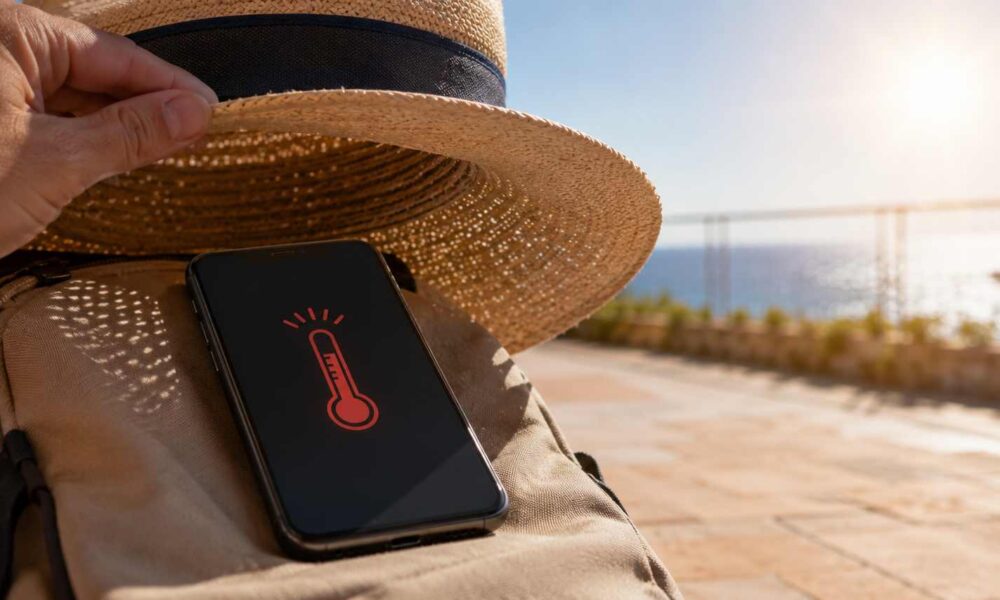
When the thermometer rises above 35°C, the human body is not the only one to suffer. Smartphones can also overheat quickly, especially when exposed to direct sunlight, used continuously, or plugged in for long periods.
A battery that heats up, a screen that freezes, apps that slow down, charging that is interrupted, or even automatic shutdown: during a heatwave, a poorly protected phone can quickly become unusable. A few simple gestures can however help avoid these inconveniences and preserve the device’s lifespan.
Direct sun, the smartphone’s first enemy
The first rule is simple: never leave your phone in direct sun, even for just a few minutes.
A smartphone placed on a car dashboard, on a terrace table, on a beach towel, or near a window can quickly reach an excessive temperature. The danger is even greater in a closed car, where heat rises rapidly.
This direct exposure is one of the main causes of overheating. It can trigger a warning message, slow down the phone’s operation, or cause it to shut down automatically for safety.
Avoid charging the phone in the heat
Charging naturally generates heat. In a heatwave, you should therefore avoid plugging in your phone while using it extensively.
Video games, GPS, video calls, streaming, or tethering place high demands on the processor and the battery. If these uses are combined with charging, especially in a hot room or in a car, the risk of overheating increases significantly.
The right reflex is to let the phone charge at rest, in a cool, shaded place, and to avoid heavy use during charging.
Never put it in the refrigerator or freezer
When faced with a very hot phone, the temptation to place it in the fridge or freezer for a few minutes can be strong. This is a bad idea.
Thermal shock can damage internal components. Condensation that forms inside the device can also cause invisible damage, sometimes irreversible.
To cool a smartphone, simply turn it off or put it in sleep mode, remove its case if necessary, and let it gradually return to ambient temperature, in the shade.
Reduce brightness and limit power-hungry apps
Outside, the screen often automatically goes to high brightness to remain legible. Yet a very bright screen consumes more energy and contributes to heating the device.
During hot weather, it is advisable to reduce brightness when possible and to close unnecessary background applications.
The most demanding apps are usually GPS, games, video, streaming, video calls, long-running social networks, and tethering. Disabling them when not needed helps to relieve the phone.
Be mindful of weak networks
A detail often overlooked can also heat up the smartphone: poor network quality.
When the 4G or 5G signal is weak, the phone increases its energy consumption to search for or maintain the connection. This extra load can cause a rise in temperature, especially in midsummer.
If the phone heats up and the network is poor, it may help to temporarily disable mobile data, switch to airplane mode, or connect to a stable Wi-Fi network when possible.
Remove the case if it retains heat
Some protective cases, particularly thick, leather, or highly insulating models, prevent heat from dissipating properly.
In case of overheating, removing the case for a few minutes can help the phone cool down more quickly. However, place it on a clean, dry surface, away from the sun.
What to do if the phone displays a overheating alert?
If a warning message appears or the phone becomes abnormally hot, act quickly.
It is recommended to close open apps, disable unnecessary connections, remove the case, then place the device in the shade. If the temperature remains high, it is better to turn it off for a few minutes and wait for it to cool naturally.
Do not continue to use it until it has returned to a normal temperature. This precaution protects the battery and limits the risk of long-term damage.
Avoid charging all night in a hot room
During summer, leaving your phone plugged in all night in a poorly ventilated or very hot room is not ideal.
Even though recent smartphones have battery management systems, ambient heat remains a wear factor. When the room is particularly hot, it is better to charge the device before sleeping or place it in a better-ventilated area.
The right reflexes to remember
During a heatwave, the smartphone should be treated as a heat-sensitive device. It should be kept away from direct sun, limit intensive uses, avoid charging in full heat, remove the case if overheating, and never try to cool it down abruptly.
These simple gestures help prevent automatic safety shutdowns, preserve the phone’s performance, and above all prolong the battery life.
When the temperature exceeds 35°C, a smartphone needs the same thing as its user: shade, rest, and as little unnecessary effort as possible.